Rank 01 / Cadet
Play your first table
Do this once and you will have a real pinball table running on your phone. We use Space Cadet, a free original table that needs nothing extra to play.
Time: 15 minutes | Need a phone, no PC
Virtual pinball can look complicated from the outside. Tables, ROMs, support files, folders. The good news is you do not need to understand any of that to start.
This guide walks you through one complete table, beginning to end, by the simplest path there is. Once you have done it a single time, every other table works the same way.
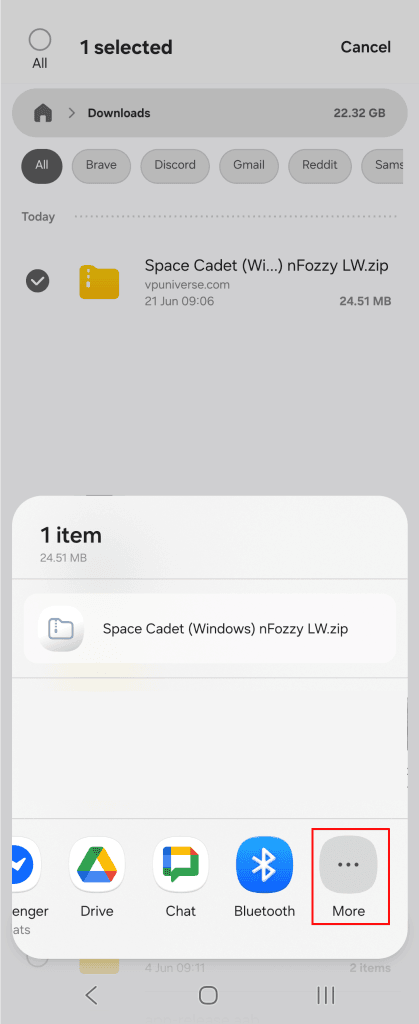
We are using Space Cadet by JPSalas. It is an original table, which means it does not need a ROM, the one piece that trips up most beginners. You download one package, hand it to the app, and play.
Before you start
[ ] Pocket Pinball installed on your phone.
[ ] An internet connection. Wi-Fi makes the download quicker.
[ ] About fifteen minutes.
[ ] Nothing else. No computer, no cables, no extra apps.
01
account
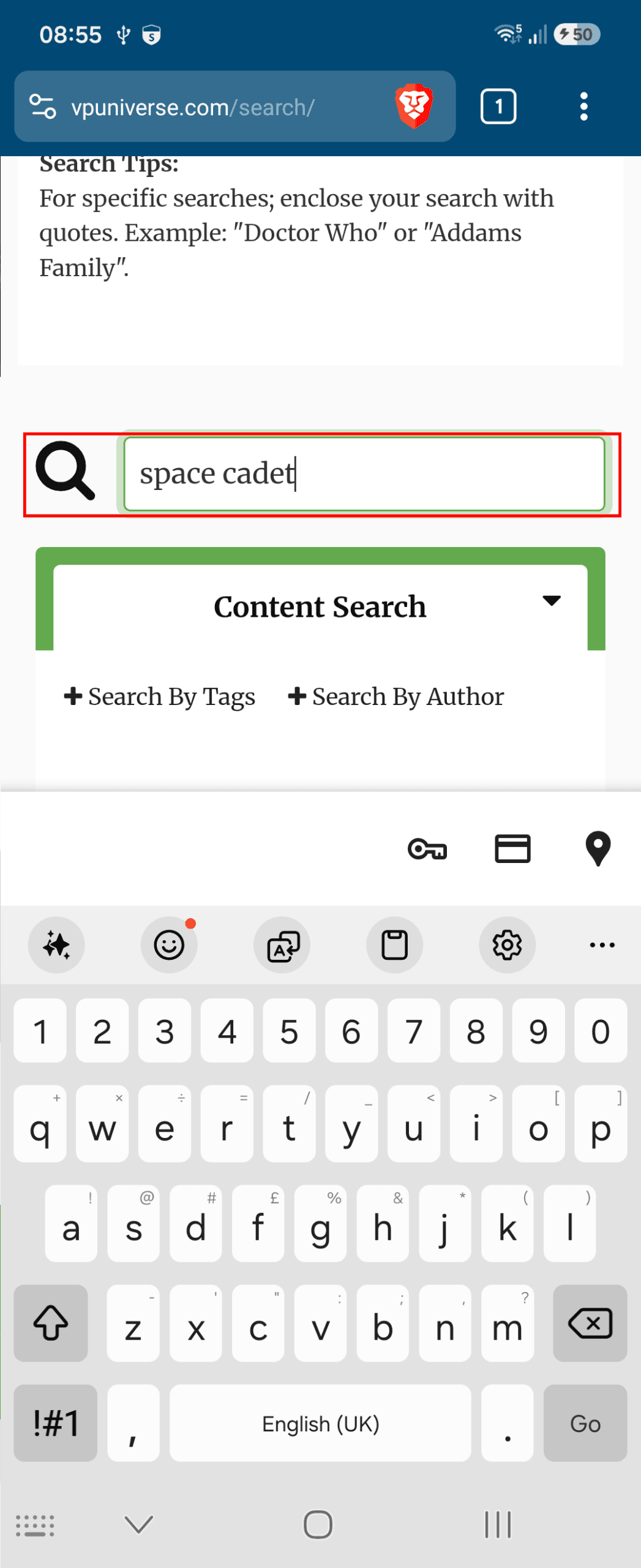
Make a free VPUniverse account
Tables are built and shared by the community, and the largest library is VPUniverse. Downloading is free, but the site asks you to be signed in first.
- In your phone’s web browser, go to
vpuniverse.com. - Tap Sign Up (or Register) and create a free account.
- Open the confirmation email and tap the link inside.
- Return to
vpuniverse.comand check that you are signed in.
You only ever do this once.
04
your collection
Find it in your Collection
Open Pocket Pinball if it is not already open. Along the bottom of the screen is a row of tabs. Tap Collection.
Space Cadet appears as a cover tile in your collection, usually within a few seconds of importing. If you do not see it yet, pull down on the screen to refresh, or close and reopen the app.
05
play
Tap the cover to play
Tap the Space Cadet cover. The table loads, and you are playing. Here is everything you need for a first game.
Earn your first Patch
Three quick questions to lock in what you just learned. You cannot fail this one. A wrong answer just teaches.
After importing, where does the table show up?
Does Space Cadet need a ROM?
How do you add any new table?
PRE-FLIGHT 0 / 3